
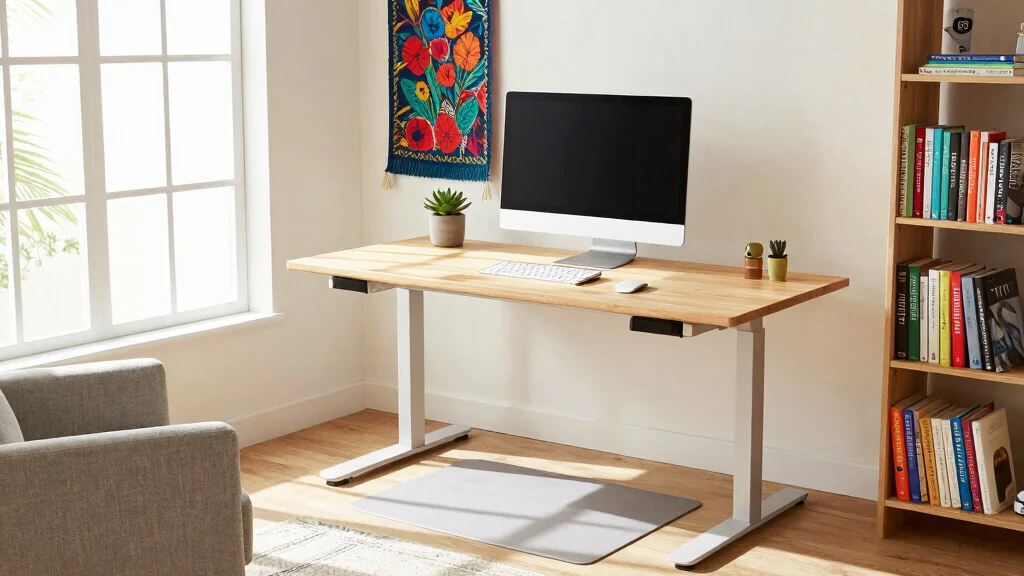
Have you ever found yourself feeling sluggish while working from home? The truth is, our workspaces greatly impact our energy levels and productivity, especially when you’re glued to a chair for hours. That’s why I created this post: to inspire you to design a stand up desk home office that not only looks great but also promotes a healthier lifestyle. With more people shifting to remote work, it’s essential to create a workspace that supports both your body and mind.
If you’re a remote worker, a freelancer, or anyone who spends a lot of time at a desk, this guide is for you. You care about your health and well-being, and you want a home office that reflects that. You want to be more productive while also feeling comfortable and energized. In this post, I’ve compiled 18 stand up desk home office ideas that are creative, practical, and just what you need to boost your workspace.
By exploring these ideas, you’ll find ways to embrace ergonomic solutions, enhance your workspace design, and overall create an environment that keeps you motivated. Whether you’re looking for practical tips or aesthetic inspiration, you’ll discover actionable steps to make your home office a healthier, happier space.
Key Takeaways
– Adjustable Desk Solutions: Investing in an adjustable desk allows you to switch between sitting and standing, reducing fatigue and improving posture.
– Cozy Ergonomic Accessories: Add ergonomic accessories like wrist supports and back cushions to maximize comfort while working and minimize strain.
– Stylish Organization: Use chic desk accessories to keep your workspace tidy and organized, which can enhance your focus and productivity.
– Natural Elements: Incorporate indoor plants to purify the air and bring a sense of calm and connection to nature into your home office.
– Smart Technology: Integrate smart tech solutions to streamline your tasks and keep your workspace efficient, allowing you to work smarter, not harder.
1. Embrace Adjustable Desk Solutions
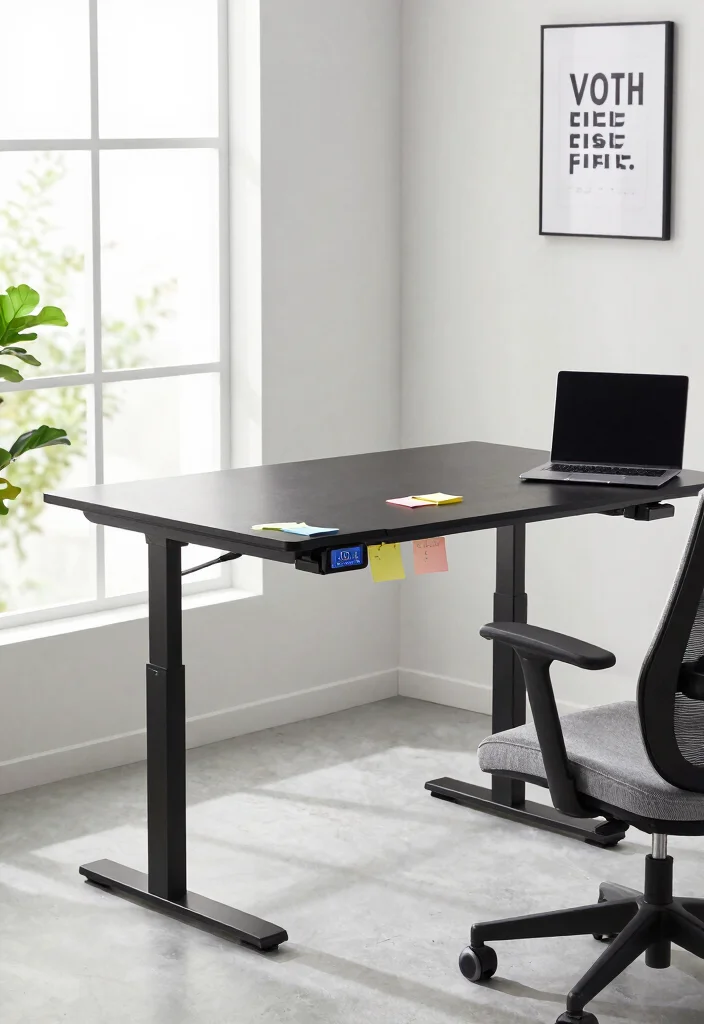
Adjustable desks are changing how we work at home. This innovative design allows you to shift effortlessly between sitting and standing, adapting your workspace to your mood and productivity. Imagine adjusting your desk height at the push of a button, making your office both functional and comfortable.
These desks promote better posture and can keep you energized throughout the day. Look for options within your budget, such as DIY desk risers or second-hand furniture, to create a healthier work environment without overspending.
Consider these tips to maximize your adjustable desk:
– Pair an adjustable desk with an ergonomic chair for comfort.
– Install a height-adjustable monitor stand for optimal viewing.
– Use a standing mat to reduce fatigue while standing.
These choices not only enhance your workspace’s functionality but also contribute to a more dynamic and enjoyable working experience.

Electric Height Adjustable Standing Desk for Comfortable Work - Switch effortlessly between sitting and standing with this electric standing desk. The smooth height adjustment from 28.35" to 46.46" helps promote a more comfortable working posture and keeps your energy flowing throughout the workday. Ideal for home offices, gaming setups, and productivity workspaces.

Ergonomic & Adjustable Design: Fight "text neck" and improve your posture. Designed for comfort, it offers an adjustable height (7.1in-8.5in) (1.4in adjustable range) and angle (5°-85°) Please note: cell phone stand is only 9 inches tall—the length of a standard pencil

Electric Height Adjustment – Sit or Stand Any Time: Quiet motor (under 52 dB) with memory presets. Easily switch between sitting and standing from 28.3" to 46.5" to help reduce sedentary time
2. Create a Cozy Corner with Ergonomic Accessories
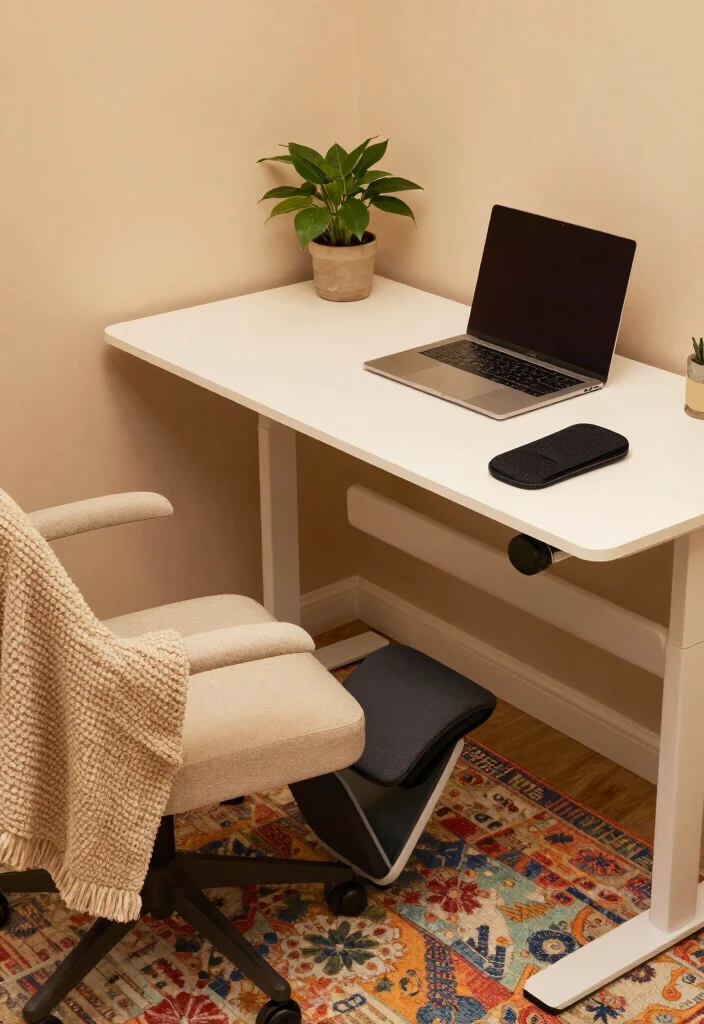
A cozy corner in your home office can transform your workspace into a productivity haven. Incorporating ergonomic accessories like footrests, wrist supports, and monitor stands can ensure comfort while you work. These additions make your stand-up desk setup not only functional but also inviting.
By investing in these accessories, you can enhance comfort and improve your focus. Look for budget-friendly options online or at local stores to create a space that feels personal and cozy.
Here are some essentials to consider:
– Use a footrest to elevate your feet and ease leg pressure.
– Incorporate wrist supports to reduce strain during typing.
– Install a monitor stand to keep your screen at eye level.
These thoughtful touches will create a comfortable environment that encourages longer, more engaged work sessions.
Fun fact: 72% of people using a stand up desk home office report improved comfort after adding ergonomic accessories like footrests and monitor stands. Small upgrades can boost focus and productivity without breaking the budget.

[Anti Fatigue Standing Desk Mat] - This anti fatigue mat standing desk office is effective in reducing stress and pressure on feet, knees and lower back over long standing periods. What's more, it is professionally designed and manufactured and will not lose support and cushioning due to long-term use.

【Thicker Mat】The StepRite kitchen mat is made of 4/5 inch thick memory foam for better support and comfort when standing. Measured as 17*28 inches. Suitable for kitchen, office, laundry room or any high-traffic area

Comfort and Quality: the kitchen rug is made of high-quality, soft PVC foam which provides a thick cushion to provide support and comfort when standing; relieves pressure on muscles and joints, and alleviates foot, knee, leg and back discomfort
How To Choose The Right Stand Up Desk for Your Home Office
When you decide to create a stand up desk home office, selecting the right desk is crucial for both comfort and productivity. Here are some important criteria to help you make the best choice for your ergonomic workspace.
1. Size: Measure Your Space
Before purchasing a stand up desk, measure the space where you plan to place it. Make sure to allow enough room not just for the desk, but also for your chair, and any additional equipment you will be using. A standard desk should be around 48 to 60 inches wide, depending on your needs.
2. Height Adjustability: Find Your Perfect Fit
Look for an adjustable desk that can easily transition between sitting and standing heights. The ideal height for a standing desk is usually between 38 to 50 inches. Ensure it can accommodate your height comfortably, allowing your elbows to be at a 90-degree angle while typing.
3. Material: Choose Quality and Durability
The material of your stand up desk affects its sturdiness and aesthetic. Solid wood, metal, and high-quality composites are excellent choices. Avoid flimsy materials as they may not support your gear and can wear out quickly. A desk with a sturdy frame ensures stability, especially when raising or lowering it.
4. Features: Look for Added Functionality
Think about features that may enhance your productivity. Some desks come with built-in cable management systems to keep your workspace organized. Others have programmable height settings or integrated USB ports for easy charging. Identify which features are most important for your workflow.
5. Budget: Set Your Spending Limit
Determine how much you are willing to spend on your stand up desk. Prices can vary widely, from budget models to premium options. Generally, you can find a decent adjustable desk in the range of $300 to $600. Keep in mind that investing in a quality desk can lead to better long-term benefits for your health and productivity.
6. Reviews: Research and Compare
Before finalizing your purchase, read customer reviews and compare different models. Look for feedback on comfort, durability, and ease of use. Websites often provide ratings and comparisons that can help you make an informed decision.
Pro Tip: Always test a desk if possible. Visit a store to try out the height adjustability and feel the quality firsthand. If buying online, check the return policy in case the desk doesn’t meet your expectations.
By considering these factors, you’ll be able to choose a stand up desk that complements your home office design and supports a healthier workspace. Happy desk hunting!

Dimension of keyboard wrist rest: 17.32 x 3.15 inch, that of circle curved mousepad wrist support: 9.65 x 8.66 inch, dimension of coaster: 3.9 inch (diameter). Fits all mouse/keyboard. Compatible with MacBook / Notebook / Chromebook / Ultrabook / Desktop / PC, also compatible with iMac.

Ergonomic Design: Ergonomically designed to keep wrists aligned with the keyboard and mouse, helping reduce wrist pain, fatigue, and strain during long hours of typing, gaming, or office work. Provides stable, comfortable support for everyday computer use.

【Softer and More Comfortable】Vaydeer wrist rest has unique diamond pattern, which is the combination of softness and aesthetics. The materials of wrist rest are improved into higher quality memory foam and covered with silky smooth lycra. The computer wrist rest makes you as comfortable and cushiony as like rest your wrists on clouds.
3. Organize with Style: Desk Accessories
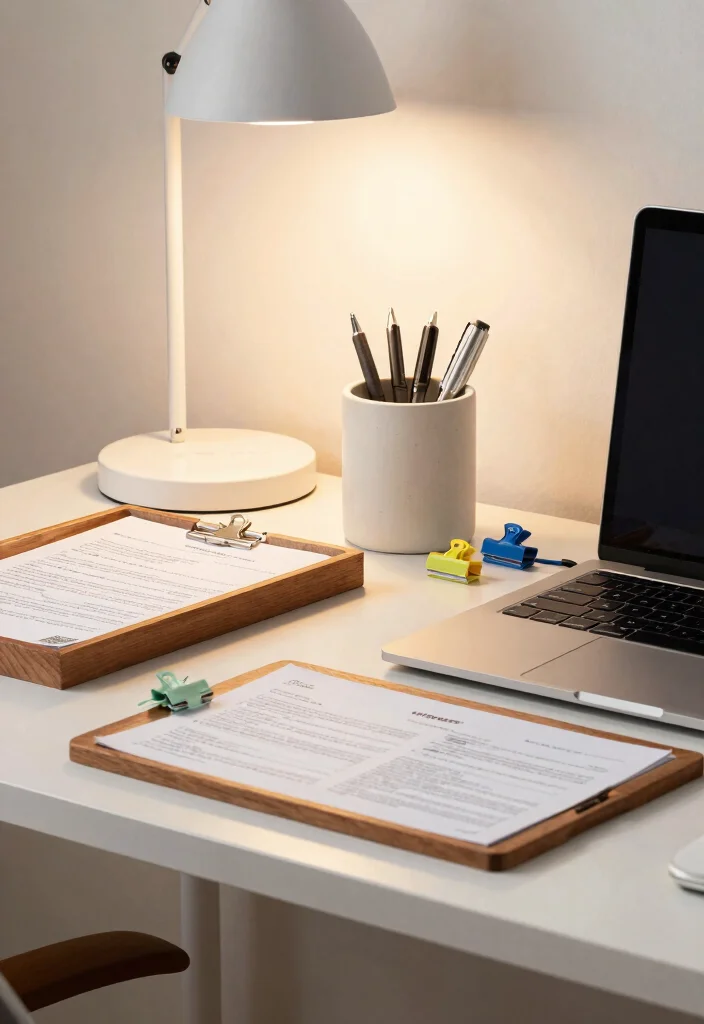
A tidy desk can lead to a clearer mind. Stylish desk accessories help maintain organization while adding a personal flair to your stand-up desk home office. From chic pen holders to sleek drawer organizers, the right accessories can enhance both function and aesthetics.
Look for accessories that express your style while keeping everything in its place. You can often find budget-friendly options at thrift stores or by repurposing items you already own.
Here’s how to organize your desk:
– Choose a unique pen holder that reflects your personality.
– Use cable management clips to keep cords tidy and out of sight.
– Incorporate desk trays to sort important documents efficiently.
These stylish solutions not only boost productivity but also create a workspace that inspires you every day.

For convenience and durability, we upgraded and lengthened the straps to fit more chairs instead of adding extra extension straps.

𝗔𝗹𝗹 𝗗𝗮𝘆 𝗖𝗼𝗺𝗳𝗼𝗿𝘁 - High-grade memory foam contours to your spine, delivering lumbar support for office chair users and helping maintain neutral posture through long workdays

Back & Tailbone Discomfort Relief: Designed for back and tailbone pain, coccyx pressure, and sciatica discomfort during long sitting. The U-shaped coccyx cutout helps reduce direct tailbone pressure, while the high backrest, L-shaped one-piece support, and wide seat base support your lower back, hips, and thighs for a more comfortable sitting posture.
4. Infuse Nature with Indoor Plants
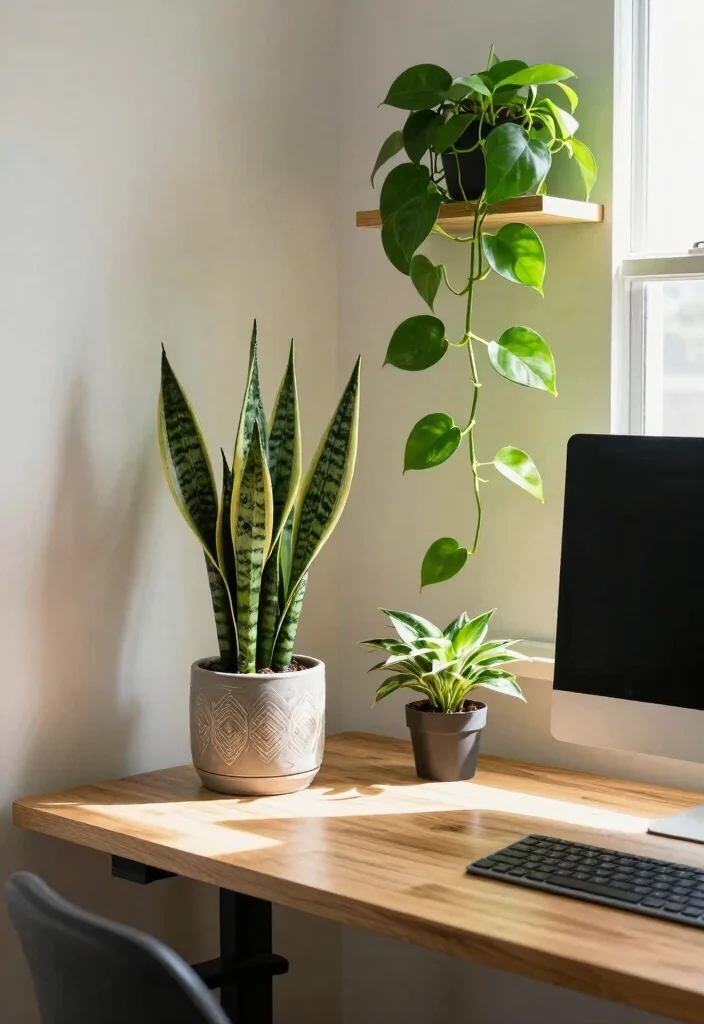
Bringing nature into your workspace can provide numerous benefits. Indoor plants not only beautify your stand-up desk home office but also purify the air and elevate your mood. Caring for plants can also provide a refreshing break during long work sessions.
Choose low-maintenance plants that thrive indoors and fit your style. Many affordable options can be found at local nurseries or even grocery stores.
Consider these plants for your workspace:
– Place a Snake Plant for its air-purifying qualities.
– Use Pothos for easy care and versatility in display.
– Incorporate a Peace Lily for its beautiful blooms and toxin-filtering abilities.
Adding greenery not only enhances your office’s aesthetic but also creates a calming atmosphere that makes working more enjoyable.

Design: The monitor stand for the desk has a large 14.6 x 9.3 inches metal shelf that fits most flat screen displays, laptops, and printers, with a maximum support weight of up to 44 lbs (20kg). Rubber pads prevent slipping or damage to your work surface
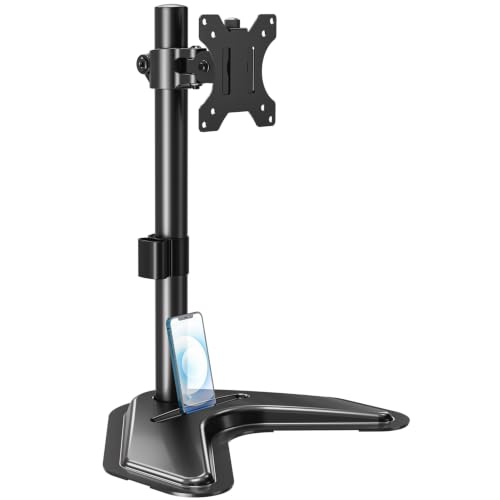
ERGONOMIC DESIGN - The screen monitor stand can be flexibly adjusted for different angles to meet your eye level and posture, releasing the strain on your neck, shoulder, and eyes.

【Universal VESA Monitor Stand】Note: The height‑adjust function only works for monitors 7.7‑11 lbs. Fits 24 - 27‑inch VESA screens, ideal for home‑office, gaming and workstation setups
5. Opt for Multi-Functional Furniture
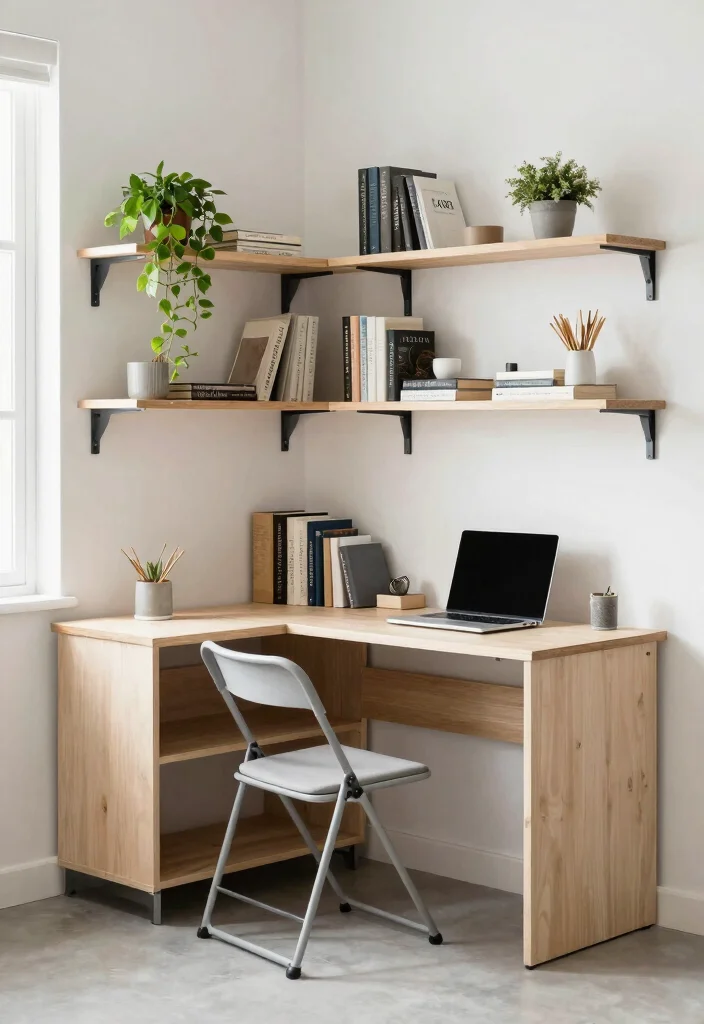
Space efficiency is essential in a home office. Multi-functional furniture can maximize your area, transforming even small spaces into effective work environments. Look for pieces that serve dual purposes, enhancing both style and functionality.
Smart choices can lead to a more organized setup without sacrificing aesthetics. Explore second-hand options or DIY projects for budget-friendly solutions.
Here are some ideas for multi-functional furniture:
– Choose a desk with integrated storage to keep essentials at hand.
– Use a folding chair to save space when not in use.
– Incorporate convertible shelving that adapts to your needs.
Incorporating these versatile pieces will help create a stylish workspace that works for you.

【32" x 19" Perfect for Small Spaces & Corner】 Specially designed with a compact 32" x 19" 2-piece splice desktop (two sections join flush into one sturdy work surface), this small electric standing desk seamlessly fits into limited areas like apartments, bedrooms, and cozy home office corners without crowding your room. It is the ultimate space-saving, height-adjustable solution to pair with under-desk treadmills and walking pads for remote workers, freelancers, and students.

Power Specification: Input: AC 100-240V, 1.5-2.0A, 50/60 Hz. Output :DC V.2-Prong AC/DC Adapter Replacement (w/ 2-Pin / 2Prong Connector.)

Ergonomic Comfort & Height Flexibility: This ErGear electric standing desk frame can enhance your workspace with adjustable desk height from 28.3″ to 46.5″ tall. Enjoy seamless transition between sitting and standing work positions for more comfort and task productivity.
6. Utilize Wall Space for Storage
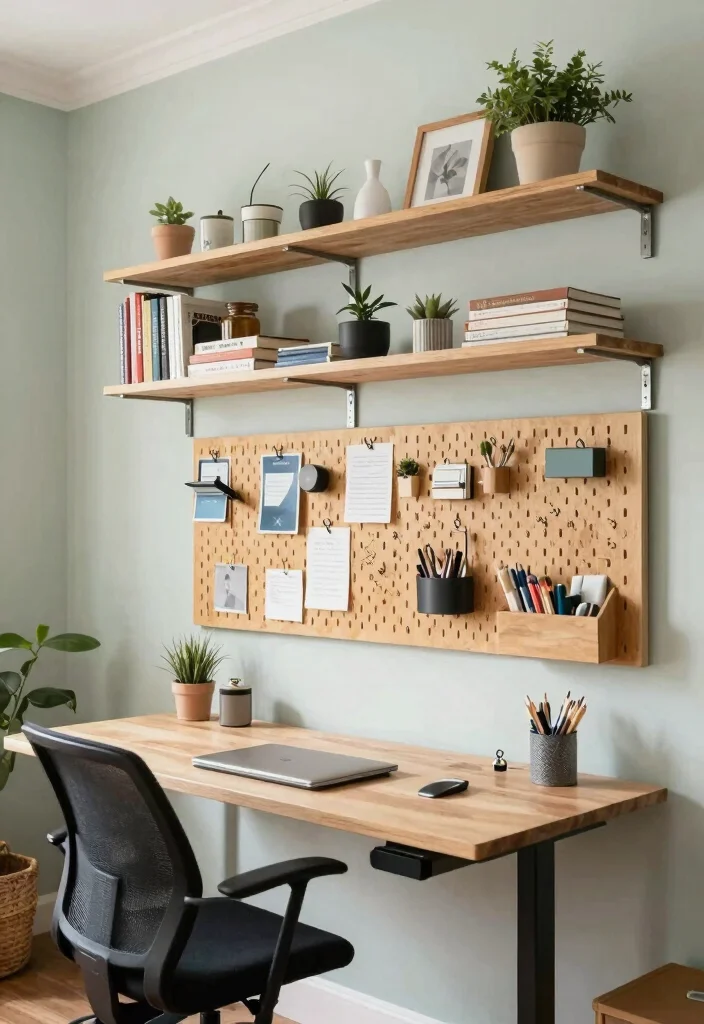
When floor space is tight, think vertical! Utilizing wall space can revolutionize your stand-up desk home office, offering additional storage options while keeping everything accessible. Wall-mounted shelves, pegboards, and hooks can help you stay organized.
Taking advantage of vertical space not only declutters your desk but also adds an artistic element to your office. You can find affordable storage solutions at home improvement stores or create your own with simple materials.
Consider these effective wall storage options:
– Install floating shelves for books and decorative items.
– Use pegboards for hanging tools and office supplies.
– Add wall-mounted organizers for sorting papers.
By efficiently managing your wall space, you’ll cultivate a more productive environment that inspires creativity.

[Anti Fatigue Standing Desk Mat] - This anti fatigue mat standing desk office is effective in reducing stress and pressure on feet, knees and lower back over long standing periods. What's more, it is professionally designed and manufactured and will not lose support and cushioning due to long-term use.

[Comfort Support]: This kitchen comfort mat can very effectively help to buffer the pressure of standing on your feet, which in turn reduces the pressure on your knee joints and prevents muscle fatigue; Add our mats to your kitchen so that cooking or cleaning dishes becomes a pleasure

Enhanced Comfort & Support: This kitchen mat features a 0.47-inch ergonomic cushioning layer for firm support, relieving fatigue and easing pressure on tired feet and joints during prolonged standing
7. Choose a Mood-Enhancing Color Palette
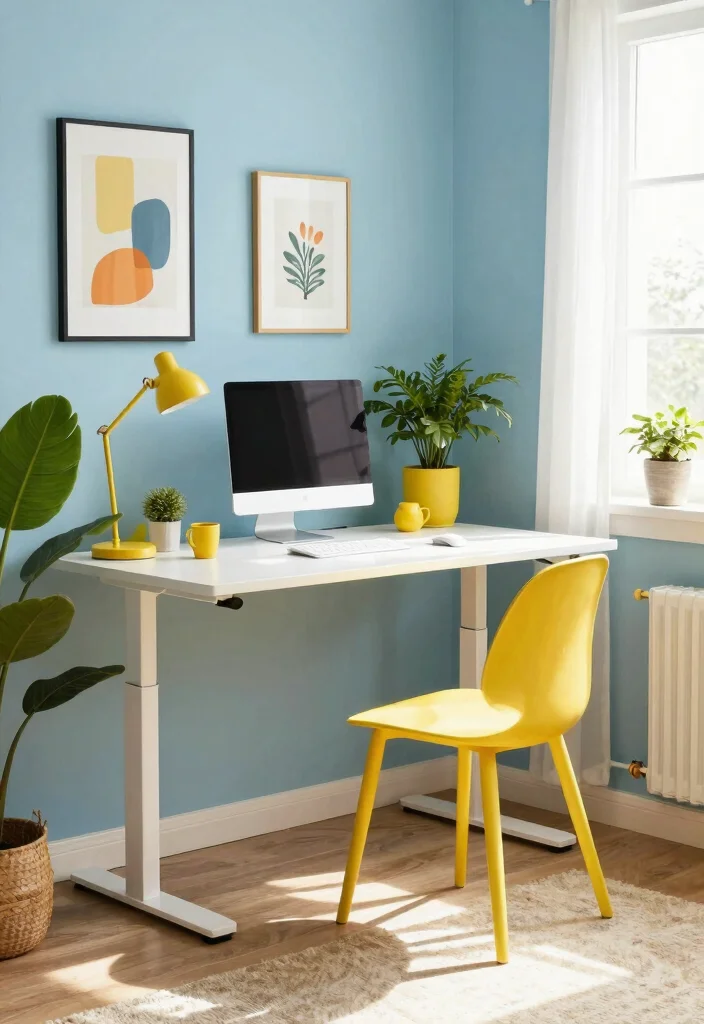
Color significantly impacts your mood and productivity. When designing your stand-up desk home office, choose a color palette that promotes creativity and focus. Selecting the right colors can transform your space into a motivating environment.
Incorporate these colors through paint, decor, or accessories that resonate with you. Exploring paint swatches can help you find budget-friendly options that fit your style.
Here are some color suggestions:
– Soft blues instill calmness and concentration.
– Greens promote balance and tranquility.
– Warm yellows add energy and positivity.
Choosing the right colors will brighten your space, making it an inviting place to work.

High-density Premium Memory Foam:The keyboard wrist rest is made of comfortable high-density high-quality memory foam and soft,smooth and breathable advanced pu material,while the soft fabric is matched with a waterproof inner lining,which is easy to clean.Comfortable,durable and ergonomic touch.

【1.2"ULTRA THICK MEMORY FOAM】 Upgraded memory foam is softer, more comfortable, and supportive, with a slow rebound. The 1.2'' memory foam keyboard wrist rest is the optimal ergonomic height, alleviating wrist pain caused by weight-bearing, allowing you to work longer hours with less strain
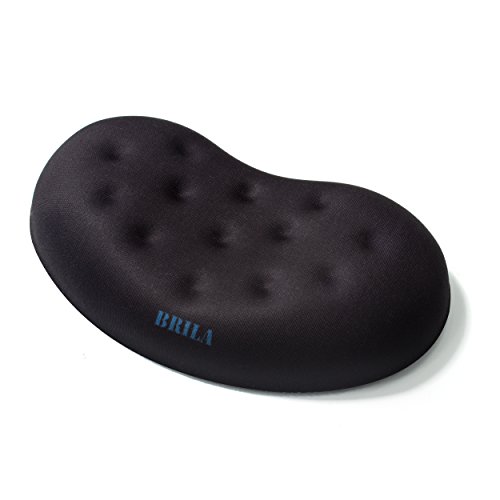
【PRODUCT MATERIALS】Manufactured from Premium Medical-grade Slow Bounce-back Memory Foam Gels and top-graded silky smooth LYCRA fabric, offers comfortable touch just like human skin; Quality Memory Foam Padding guarantees the mouse wrist pad won't be out of shape during long-term use.
8. Add Personal Touches and Artwork
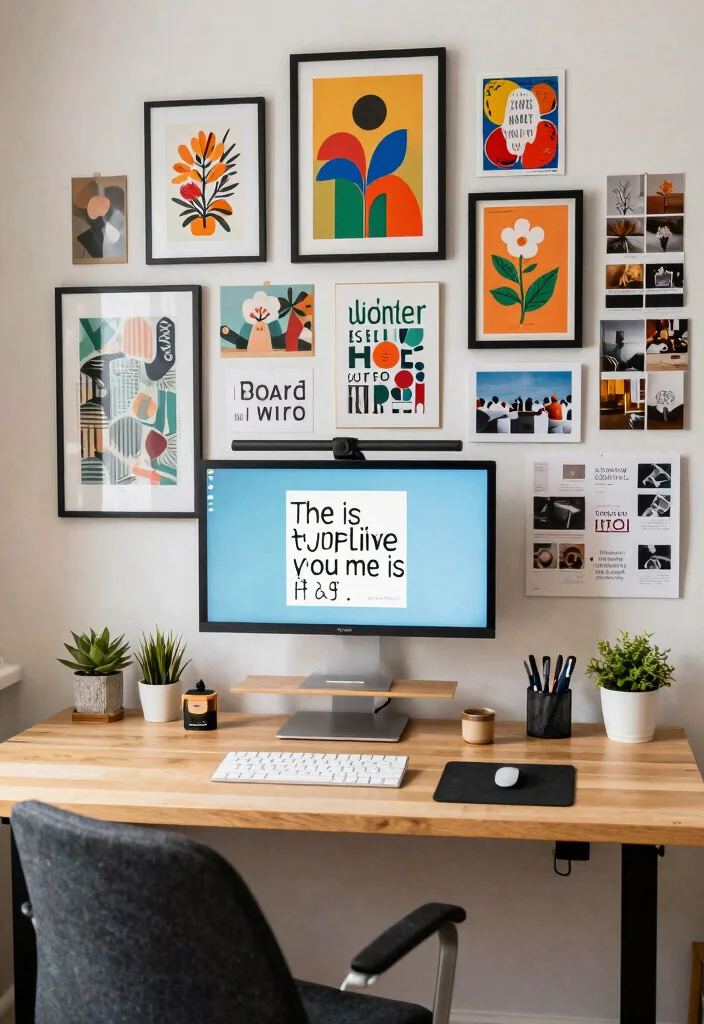
Your workspace should reflect who you are! Adding personal touches and artwork to your stand-up desk home office can make it feel uniquely yours. Whether it’s family photos, art prints, or travel mementos, these items can inspire and motivate you.
Personalizing your workspace doesn’t have to be expensive. Use items you already own or create DIY projects to add character and warmth.
Here are some ideas for personal touches:
– Create a gallery wall with meaningful prints.
– Incorporate unique decor items that inspire you.
– Set up a mood board to display goals and reminders.
By making your workspace distinctly yours, you’ll foster a creative and motivating atmosphere that helps you thrive.
Fun fact: Adding personal photos to your stand up desk home office can boost focus by up to 18% and lift daily mood by 12%. Small touches make big differences for productivity.

【Unique design and Extra Large size】 Our product has two advantages Unique design and Extra Large size ,unique design offer you wonderful support and comfort for both your hip and back , curve design seat cushion offer you comfortable posture and massage function lumbar support pillow give your back more comfort ,Extra-large size offer your more space to sit on seat cushion .
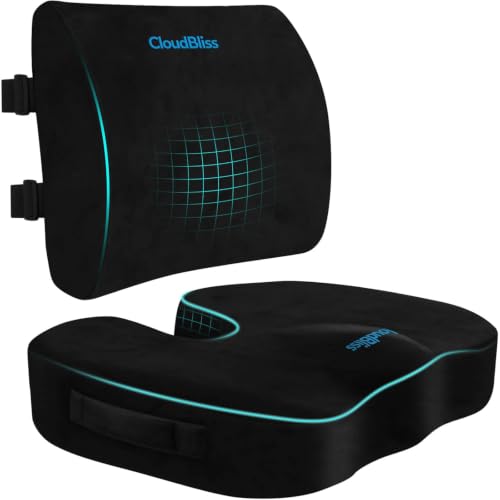
Thoughtful Design: Our seat cushion and lumbar pillow are made of high-density memory foam with a high-quality smooth zipper and soft velvet shell. The seat cushion includes a non-slip design on the bottom so that it does not move once placed on a seat. The cushion maintains its shape, even after numerous uses. The seat cushion and lumbar pillow will provide you with comfortable support, help improve your sitting posture, and alleviate sitting fatigue

Durable and Resilient:The high elasticity materials used in our lumbar support pillow ensure that it retains its shape even after long-term use, providing consistent comfort and support.Designed specifically for office chairs, this seat cushion for office chairs contours to your body, providing optimal lumbar support which helps in alleviating sciatica pain and promoting better posture.making it an ideal choice for those suffering from back pain or discomfort from sitting for long periods.
9. Incorporate Smart Technology
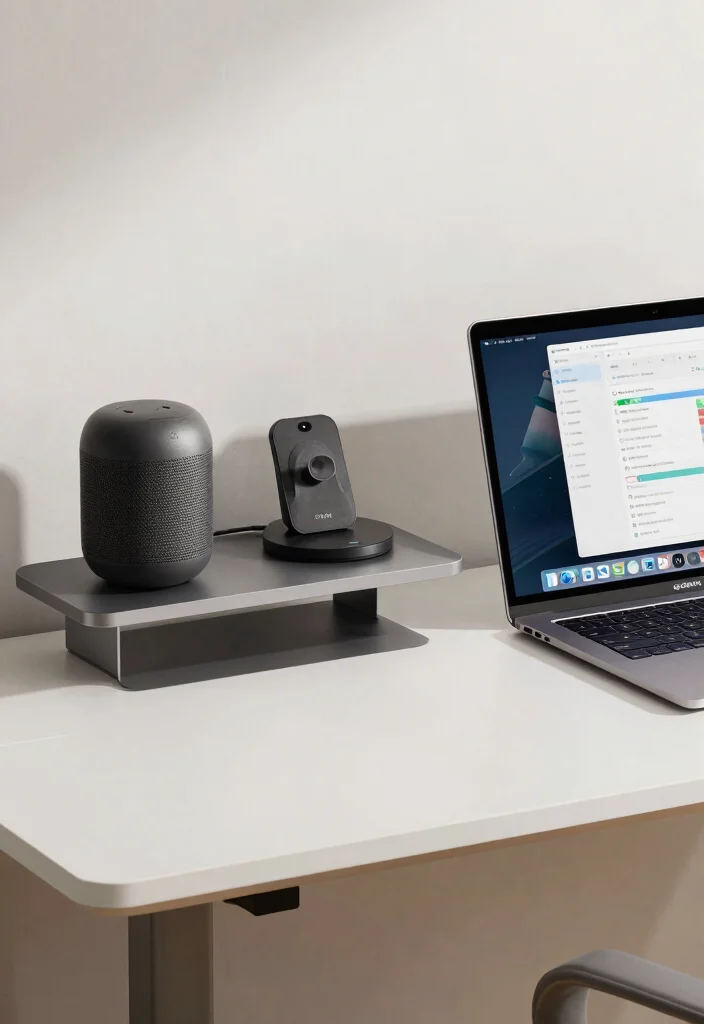
In our digital age, incorporating smart technology into your home office can streamline your workflow. From smart speakers to productivity apps, technology can enhance your stand-up desk experience in surprising ways.
Look for affordable tech solutions that fit your needs and can simplify tasks. Many apps and devices are available at various price points, making it easy to find what works for you.
Here are some smart technology ideas:
– Use smart speakers to control your environment with voice commands.
– Download desk timer apps to manage work sessions.
– Set up wireless charging stations to reduce cable clutter.
By integrating technology wisely, you can create a productive space that adapts to your working style.

Adjustable Height: Unlike the traditional stand, our monitor stand has an adjustment twist knob that can adjust the height to suit one's comfort and preference.

Compatibility: This single monitor stand fits Most Monitors, TV up to 32", 22 lbs. Mounting holes 75x75mm or 100x100mm detachable and height adjustable (up to 18”). VBase (15.4* 11* 0.8 inches)

Fits Larger, Heavier Monitors: Designed with a tall 17.24″ column, this HUANUO monitor stand can support 13″-34″ monitors up to 44 lbs with VESA patterns 75x75 or 100x100mm. Please verify the screen size, weight, and VESA pattern of your monitor before purchase.
10. Create a Relaxing Break Area
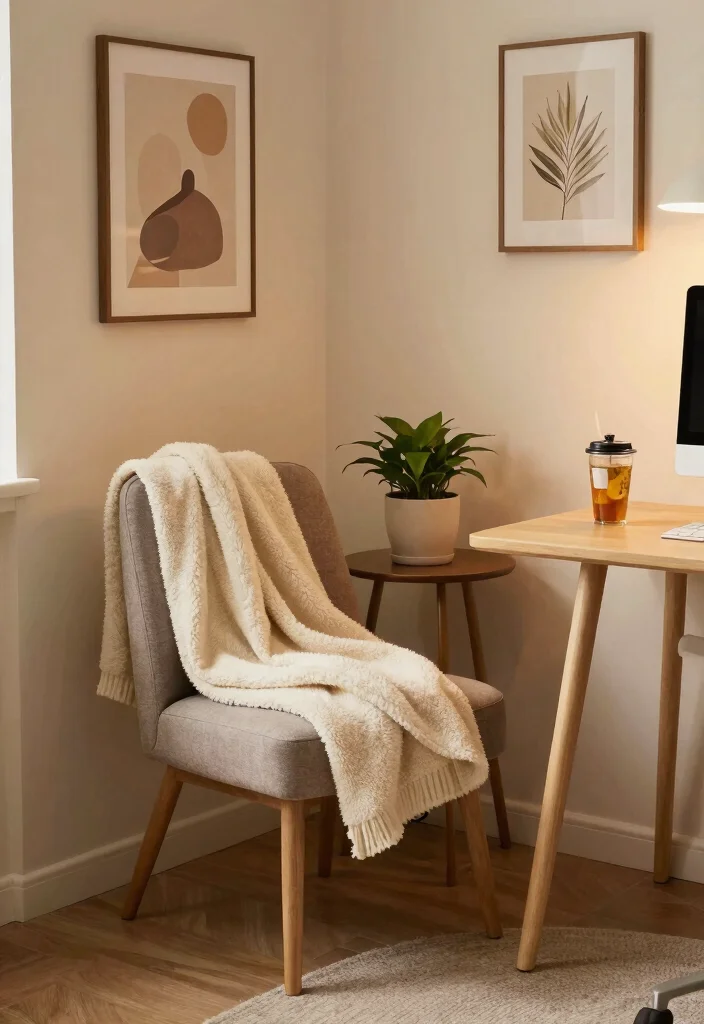
Taking breaks is essential for maintaining creativity and productivity. Setting up a small break area in your home office can be the perfect spot to recharge between tasks. This dedicated space allows you to step away and refresh your mind.
Even a small corner with a chair can serve as a cozy retreat. Look for budget-friendly options that enhance comfort and relaxation.
Consider these tips for a cozy break area:
– Place comfortable seating like a cozy chair or cushions.
– Use calming decor to create a tranquil atmosphere.
– Set up a refreshment station with snacks and drinks.
Creating a designated break space will help you maintain focus and enhance your productivity when you return to work.
11. Incorporate Sound Management Solutions
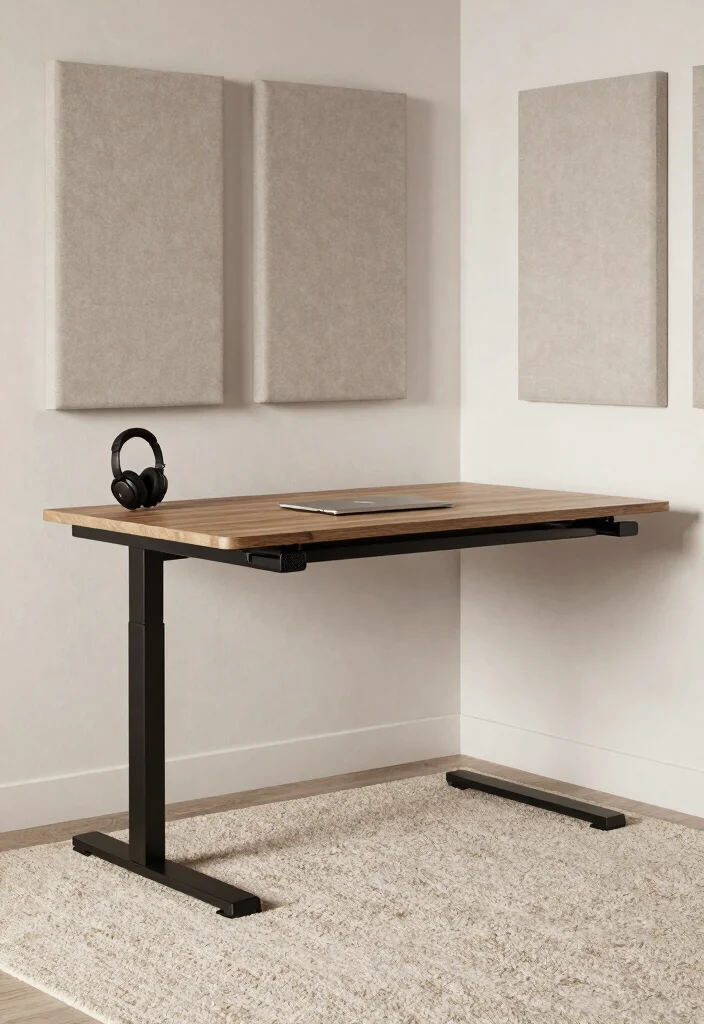
Noise can be a major distraction when working from home. Incorporating sound management solutions in your stand-up desk home office can foster a more focused atmosphere. Simple adjustments can make a significant difference in your ability to concentrate.
Explore affordable options like soundproofing materials or soft furnishings that can help reduce noise levels. This can enhance your overall working experience without breaking the bank.
Here are some sound management solutions:
– Use noise-canceling headphones for better concentration.
– Install acoustic panels to minimize echo.
– Add soft furnishings like rugs and curtains to absorb sound.
By addressing sound management in your office, you’ll create a more peaceful working environment that encourages productivity.
12. Choose Quality Lighting Solutions
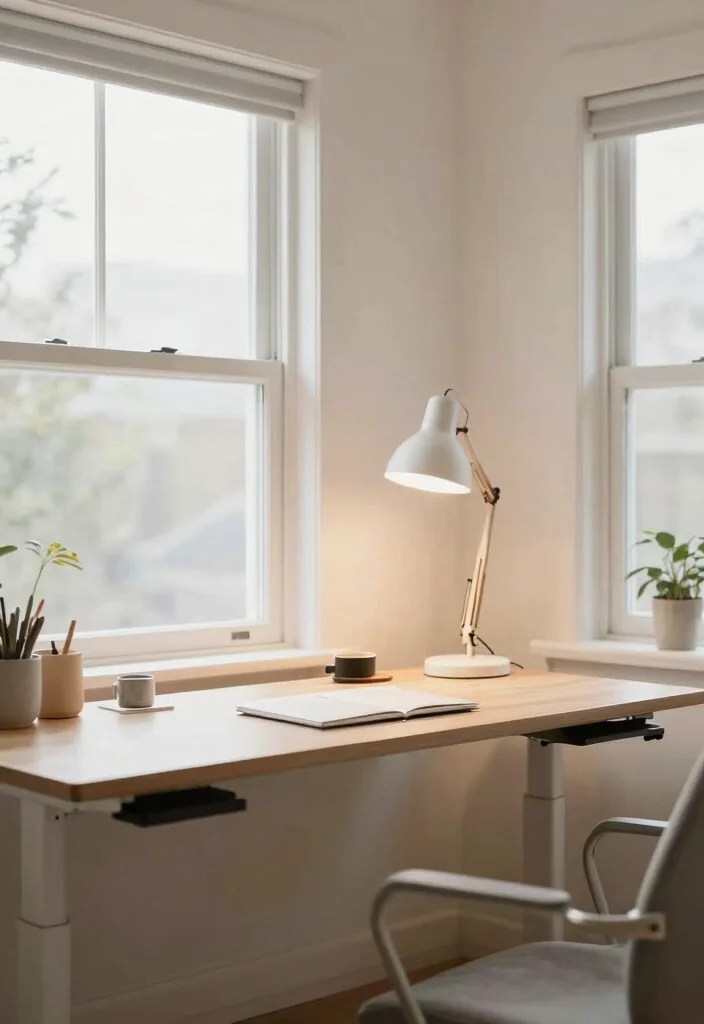
Lighting is crucial in your workspace, influencing both mood and productivity. Quality lighting solutions can enhance your stand-up desk home office, making it more inviting and efficient. Proper lighting can reduce eye strain and boost your energy levels.
Explore various lighting options that fit your budget and style. Investing in good lighting pays off in comfort and productivity.
Here are some lighting tips:
– Utilize natural light by keeping windows unobstructed.
– Use task lighting like desk lamps for focused illumination.
– Incorporate ambient lighting to create a warm atmosphere.
By layering different light sources, you can achieve a well-lit environment that supports your work without causing fatigue.
13. Implement a Standing Desk Routine
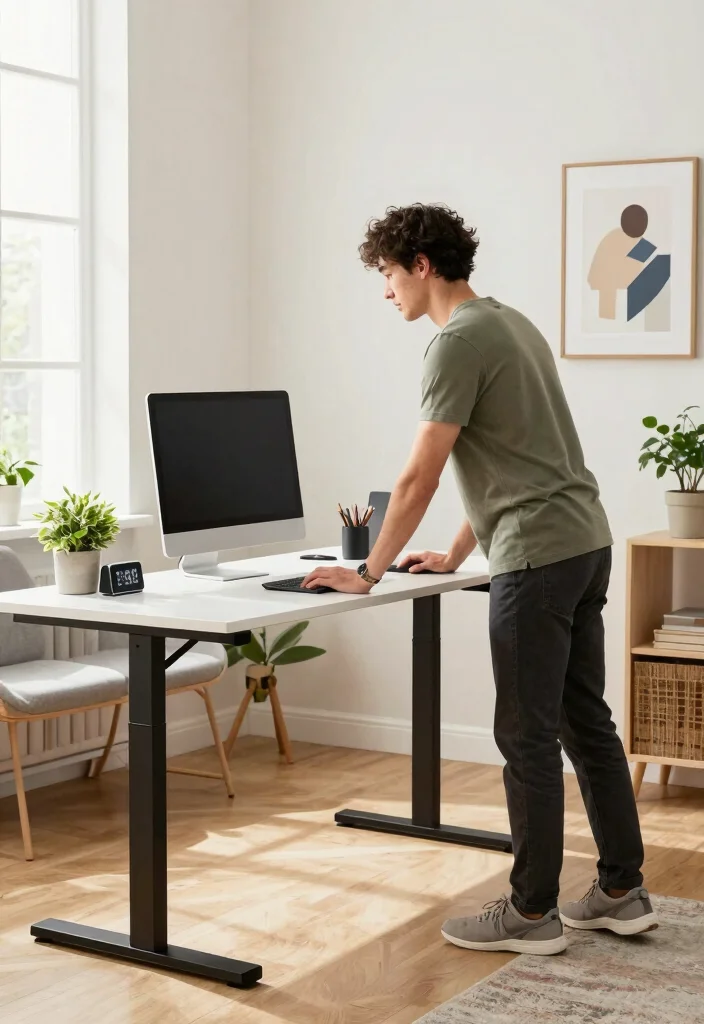
Establishing a routine with your standing desk can enhance your health and productivity over time. Finding a balance between sitting and standing is key to maximizing the benefits of your stand-up desk home office.
Creating a structured routine can help you stay active and focused. Consider setting timers or reminders to encourage movement throughout your day.
Here are some effective standing desk routine tips:
– Alternate between sitting and standing every 30 minutes.
– Use a timer to remind you to switch positions.
– Incorporate movement like stretching during standing breaks.
By developing a routine that encourages variation, you can improve your overall well-being and maintain focus during your work hours.
14. Use Colorful Stationery to Boost Fun
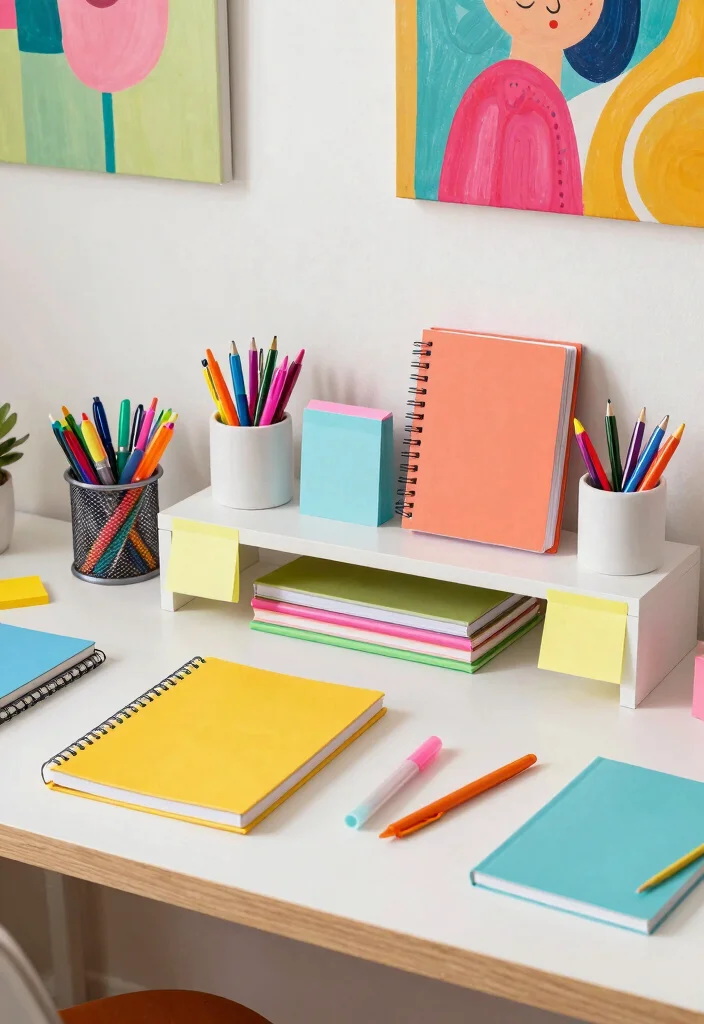
Bright and colorful stationery can infuse your workspace with a playful spirit while inspiring creativity. Stocking your stand-up desk with fun supplies not only serves a purpose but also lifts your mood.
Look for affordable stationery options that reflect your personality and enhance your work experience. Many creative supplies can be found at local stores or online.
Here are some stationery ideas:
– Keep colorful pens and markers handy for notes.
– Use stylish notebooks to encourage creativity and organization.
– Incorporate fun sticky notes for reminders and inspiration.
Having vibrant stationery around can make your work sessions enjoyable and encourage a positive outlook as you tackle your tasks.
15. Establish a Clear Work-Life Boundary
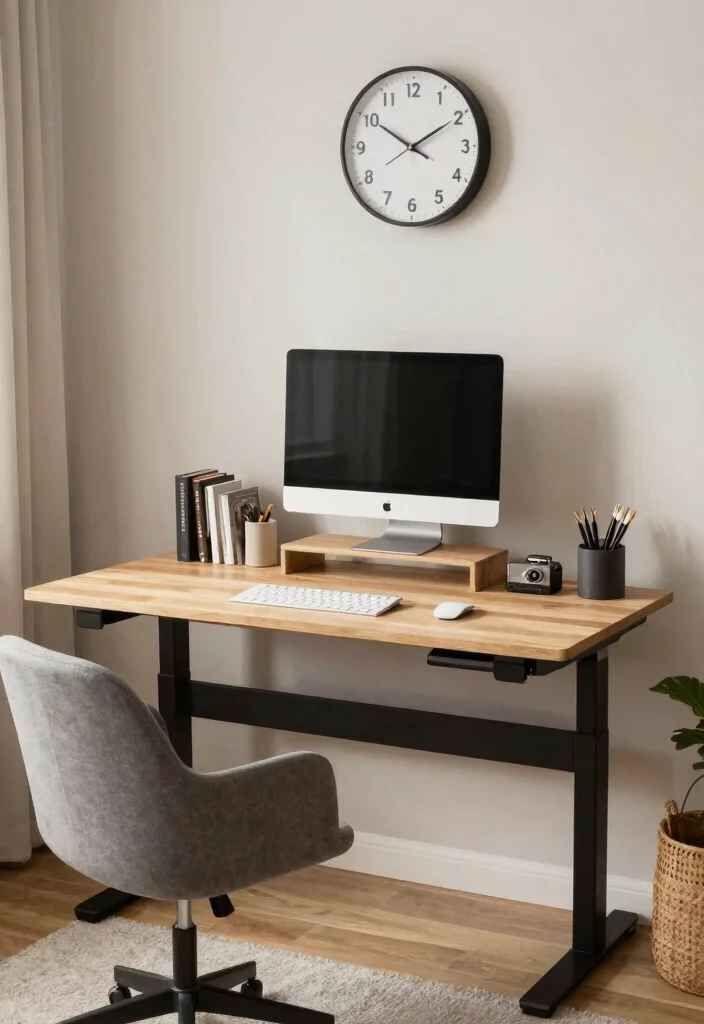
Creating a clear boundary between work and personal life is vital when working from home. This separation helps maintain focus during work hours and encourages relaxation after hours.
Set specific work hours and stick to a schedule to define your work time. This structure can help you enjoy your home while being productive when necessary.
Here are some boundary tips:
– Designate specific work hours to keep a routine.
– Establish a workspace to confine work-related items.
– Take regular breaks to recharge and step away.
By implementing these boundaries, you’ll cultivate a healthier work-life balance, allowing you to thrive both at work and at home.
Fun fact: 80% of people building a stand up desk home office report better work-life balance once they set strict work hours. Design a dedicated workspace and stick to a schedule to reclaim evenings.
16. Incorporate Movement into Your Day
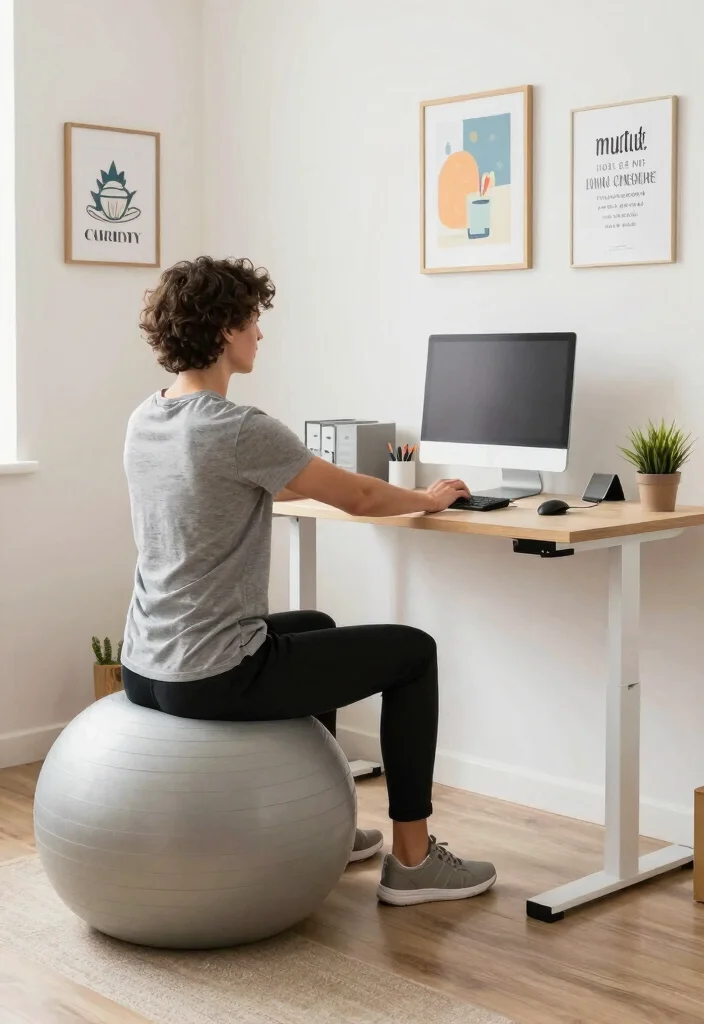
Staying active during your workday is essential for maintaining energy and focus. Consider incorporating movement into your daily routine while using your stand-up desk home office.
Simple activities can break up your day and prevent stiffness. Explore easy exercises or techniques that can fit seamlessly into your work routine.
Here are some movement suggestions:
– Try desk exercises like stretches to ease tension.
– Hold walking meetings to combine movement with discussions.
– Use a stability ball for balance and core engagement.
Integrating movement into your daily routine can boost creativity and ensure you stay energized throughout long work hours.
17. Make Use of Aromatherapy
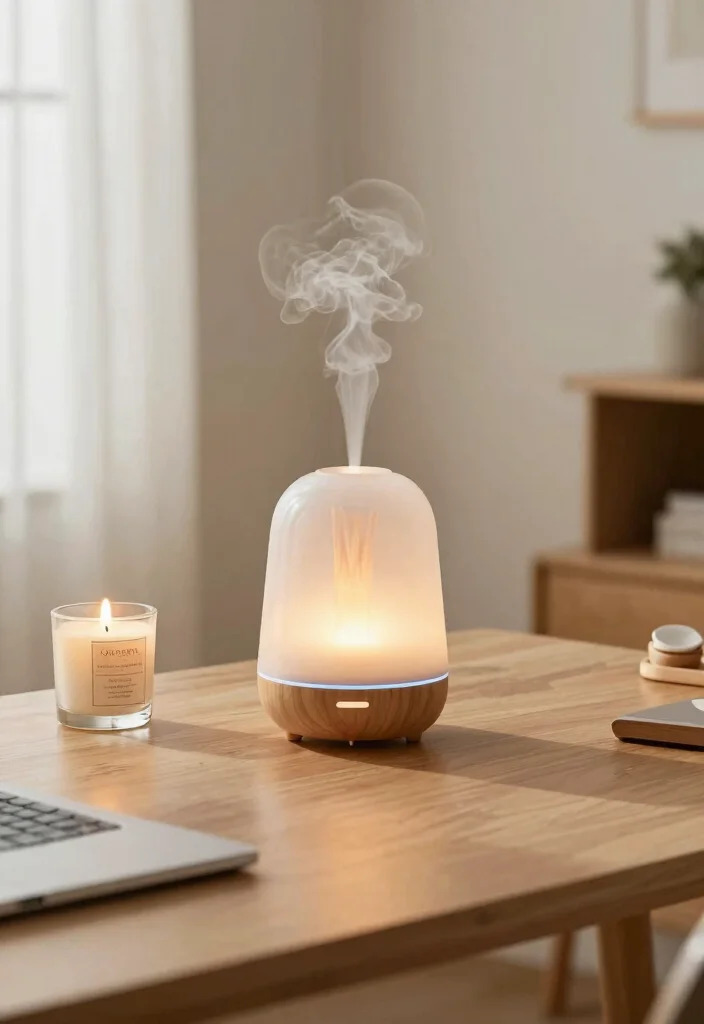
Aromatherapy can significantly enhance your work environment by improving focus and reducing stress. Utilizing essential oils in your stand-up desk home office creates a calming atmosphere while you work.
Adding aromatherapy doesn’t have to be expensive. Many essential oils are affordable and can be easily incorporated into your workspace.
Here are some aromatherapy tips:
– Use an essential oil diffuser to spread pleasant scents.
– Choose scents wisely; lavender promotes calmness, while citrus uplifts.
– Try scented candles to create warmth and personality.
Incorporating aromatherapy into your office can turn your workspace into a sanctuary of productivity, helping you tackle tasks with a clearer mind.
18. Connect with Nature Through Views
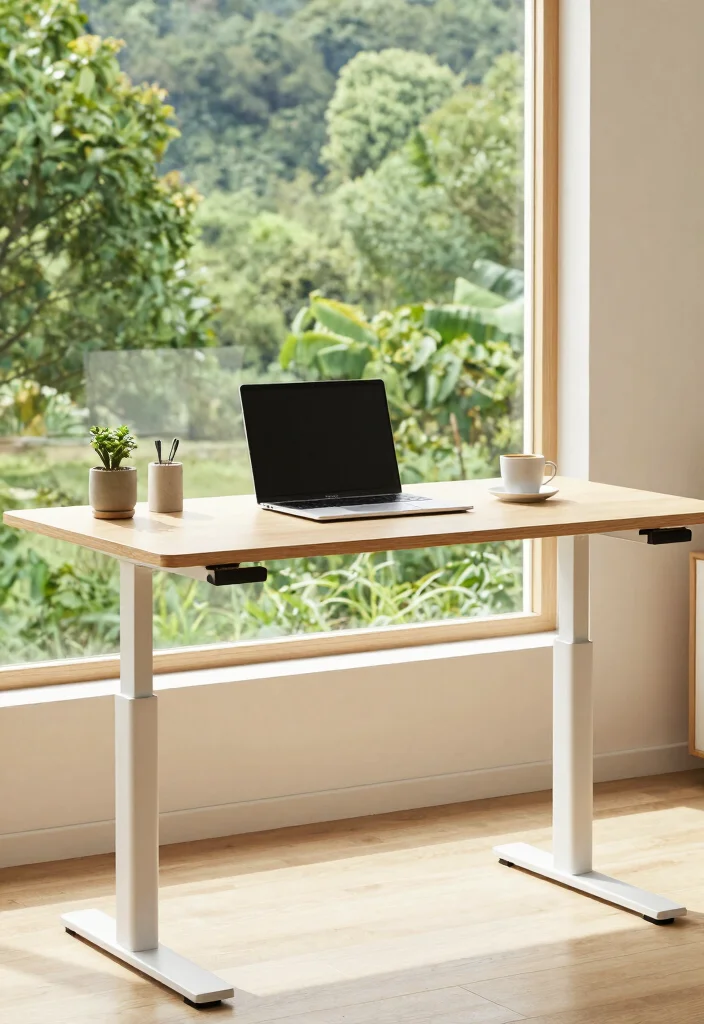
If possible, position your stand-up desk to enjoy a view of nature. Natural views can reduce stress and improve productivity, making your workspace feel more expansive.
Even small glimpses of greenery can have a calming effect. If you don’t have access to outdoor views, consider indoor plants that mimic nature’s tranquility.
Here are some benefits of nature views:
– Enjoy a calming effect that soothes anxiety.
– Draw inspiration from beautiful scenery.
– Experience improved focus with a natural backdrop.
Incorporating nature into your workspace can significantly enhance your work environment, creating an inviting and less stressful atmosphere.
Conclusion
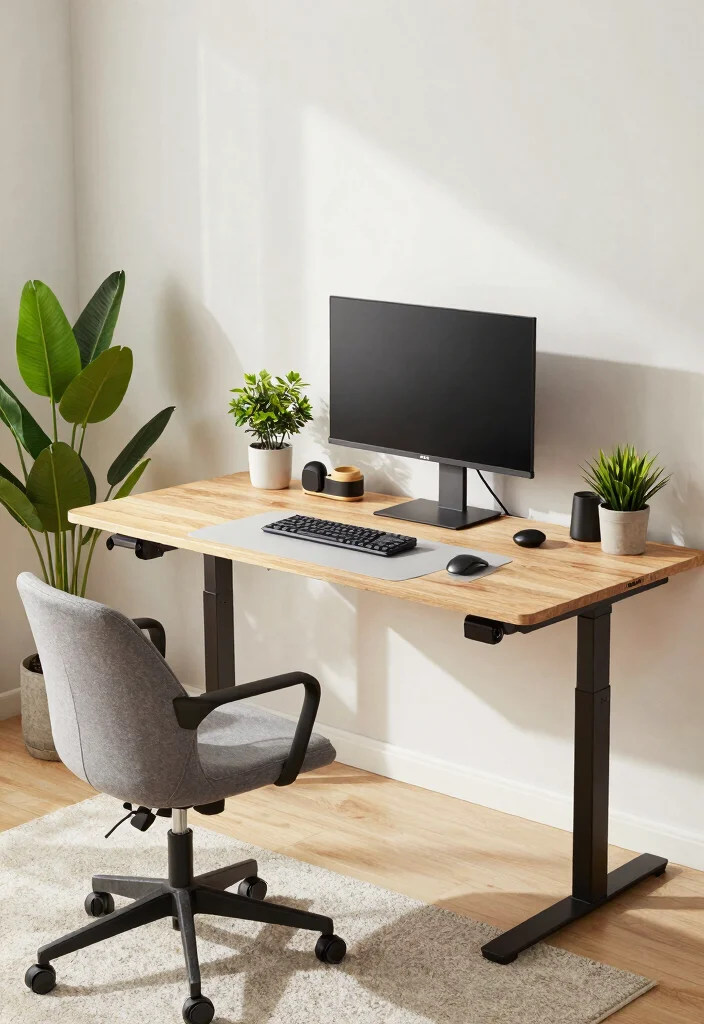
Creating a stand up desk home office that prioritizes health and productivity involves a mix of thoughtful design and practical accessories.
By incorporating these ideas, you can cultivate an environment that enhances your workflow while keeping you comfortable. Small changes can make a big difference, and your workspace should reflect your unique style and needs.
Frequently Asked Questions
What are the essential ergonomic upgrades for a stand up desk home office?
To create a ergonomic workspace at your stand up desk home office, start with a height-adjustable desk, a monitor at eye level, and a keyboard/mouse positioned for a neutral wrist posture.
Add an anti-fatigue mat and a footrest to support comfortable standing for longer periods, and consider a monitor arm or adjustable keyboard tray to keep everything within easy reach.
Tidy cables, proper lighting, and a simple, clutter-free layout complete the setup and support healthy posture.
How can I design a home office that promotes productivity with a stand up desk?
Design for focus with smart home office design and stand up desk home office setup. Start with a standing–sitting rhythm (for example, 30-60 minute blocks). Keep the monitor at eye level, align keyboard and mouse for a neutral posture, and create a dedicated task zone with minimal distractions.
Use adjustable desk solutions to switch positions easily and maintain workspace organization so you can find what you need quickly. A clean, simple layout boosts productivity tips by reducing clutter.
What are practical tips to improve comfort and reduce fatigue while using a stand up desk?
Boost comfort with small, practical changes: wear supportive shoes and use an anti-fatigue mat for longer standing periods.
Incorporate short movement breaks and gentle stretches to loosen hips, shoulders, and calves. Place frequently used items within arm’s reach to avoid overreaching, and consider a footrest or a monitor arm to keep your posture aligned. Hydration and periodic rest also help maintain focus without sacrificing comfort.
Which accessories make a stand up desk more ergonomic without clutter?
Upgrade your setup with ergonomic accessories that stay out of the way. A monitor arm lets you adjust height and distance, a compact keyboard tray or tray-less layout keeps wrists neutral, and a footrest supports comfortable standing. Add cable management solutions to banish tangles, a slim task light for home office design, and wireless peripherals to cut cords while maintaining workspace organization.
How do I organize my workspace when using a stand up desk to maximize space?
Make the most of vertical space with wall-mounted shelves, pegboards, and slim storage beside or under your desk. Use workspace organization tactics like labeled bins and portable file organizers to keep essentials off the desk surface. Choose adjustable desk solutions that fit your flow, so you can swap between standing and seated tasks without clutter. A tidy, well-planned layout improves both function and mood in your stand up desk home office.
Related Topics
stand up desk home office
ergonomic workspace
home office design
productivity tips
adjustable desk solutions
workspace organization
minimalist decor
remote work setup
DIY home office
healthy workspace
small space solutions
home office trends